
Combat Manuals
Normal Attack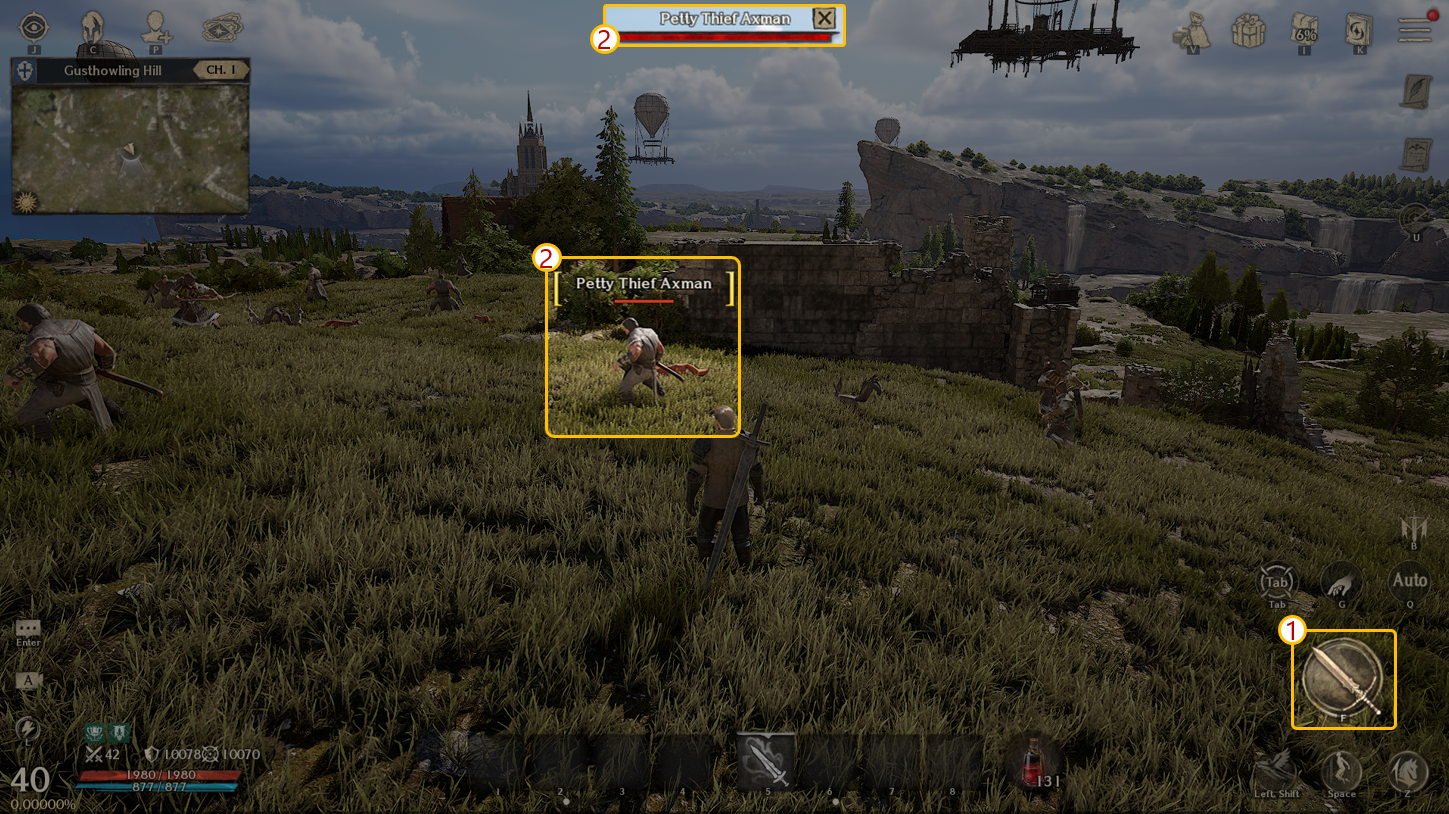
① Press the [Attack] button on the bottom right to attack the designated target or monsters located near your character.
② Click the monster or character to point them as a target.
Item Acquisition
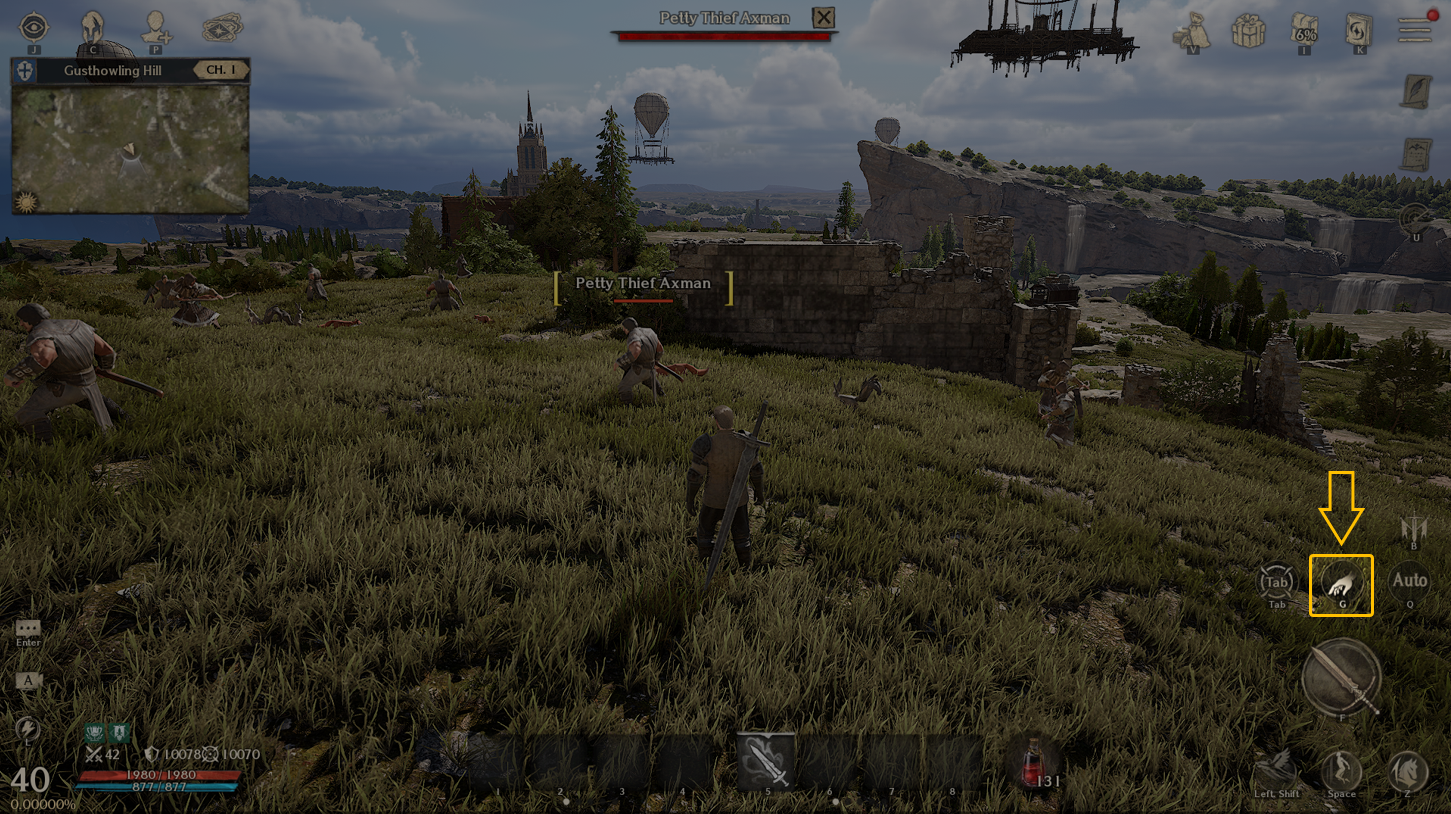
- [Pick-Up] button will be activated upon finding obtainable item(s).
- Click the Pick-Up button to obtain the item.
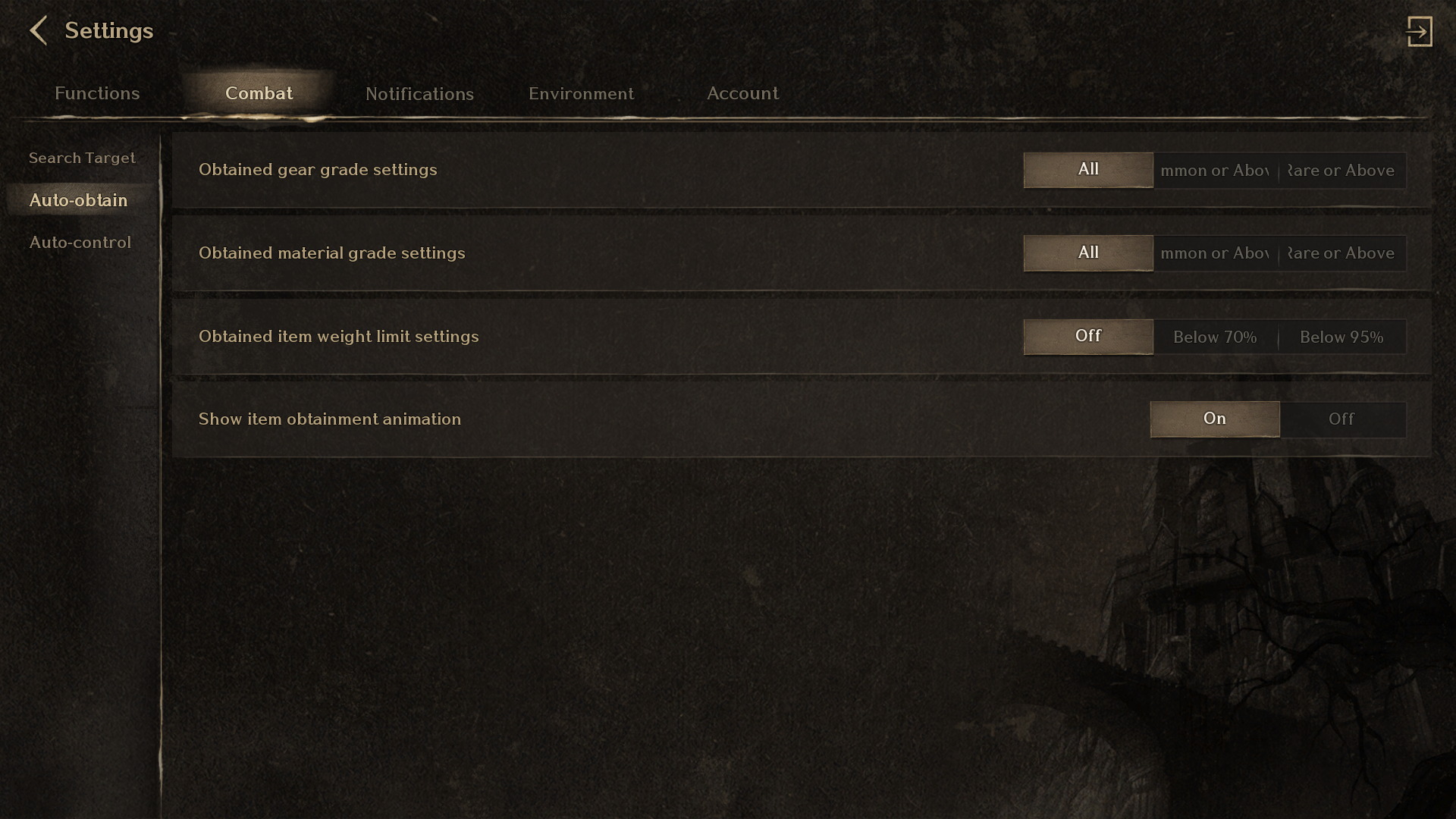
- Customize options for item obtainment through Menu > Settings > Auto-Obtain.
Auto-Use Settings
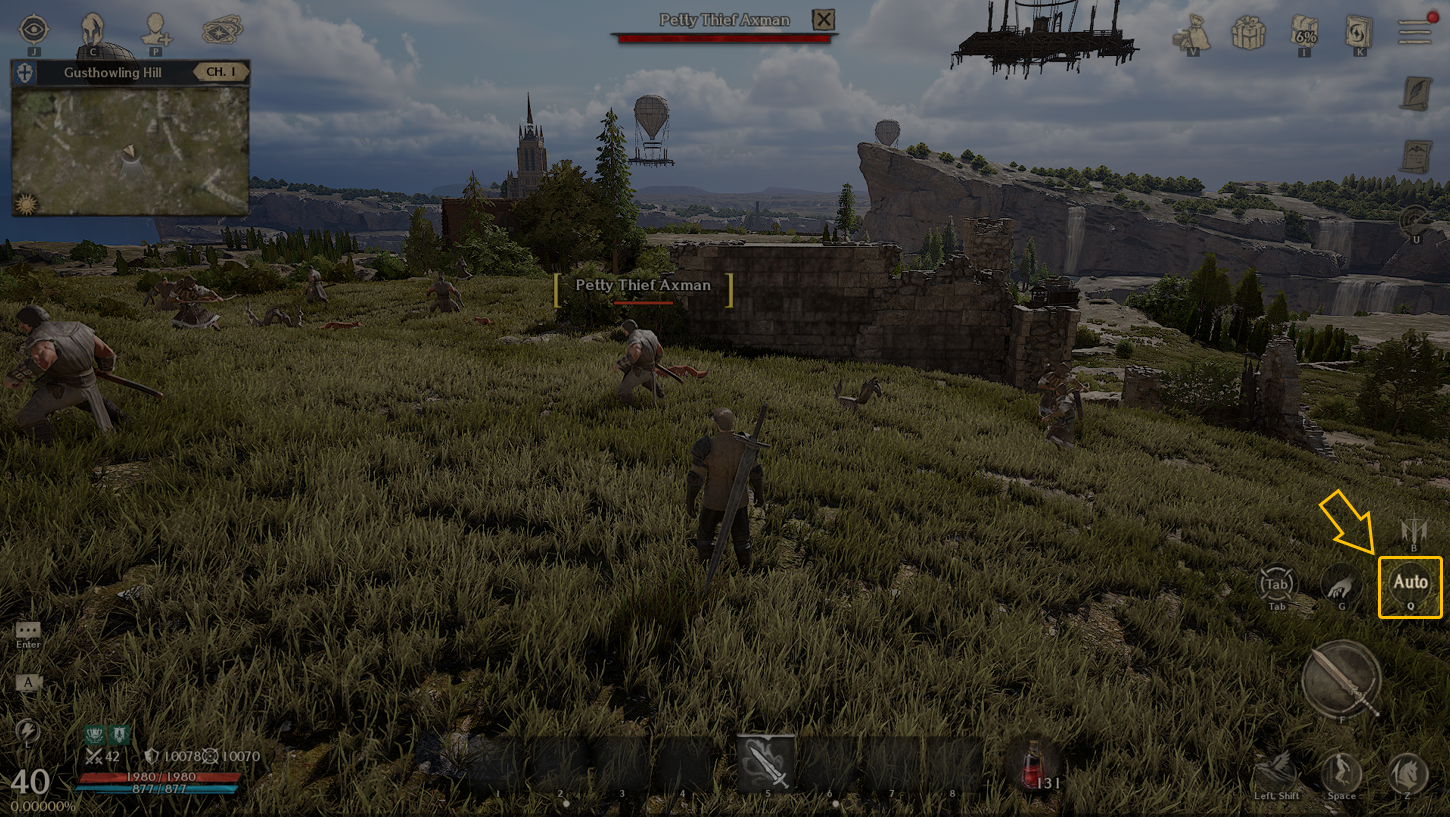
- Click the [Auto] button on the right of the game screen to activate the Auto-Hunting.
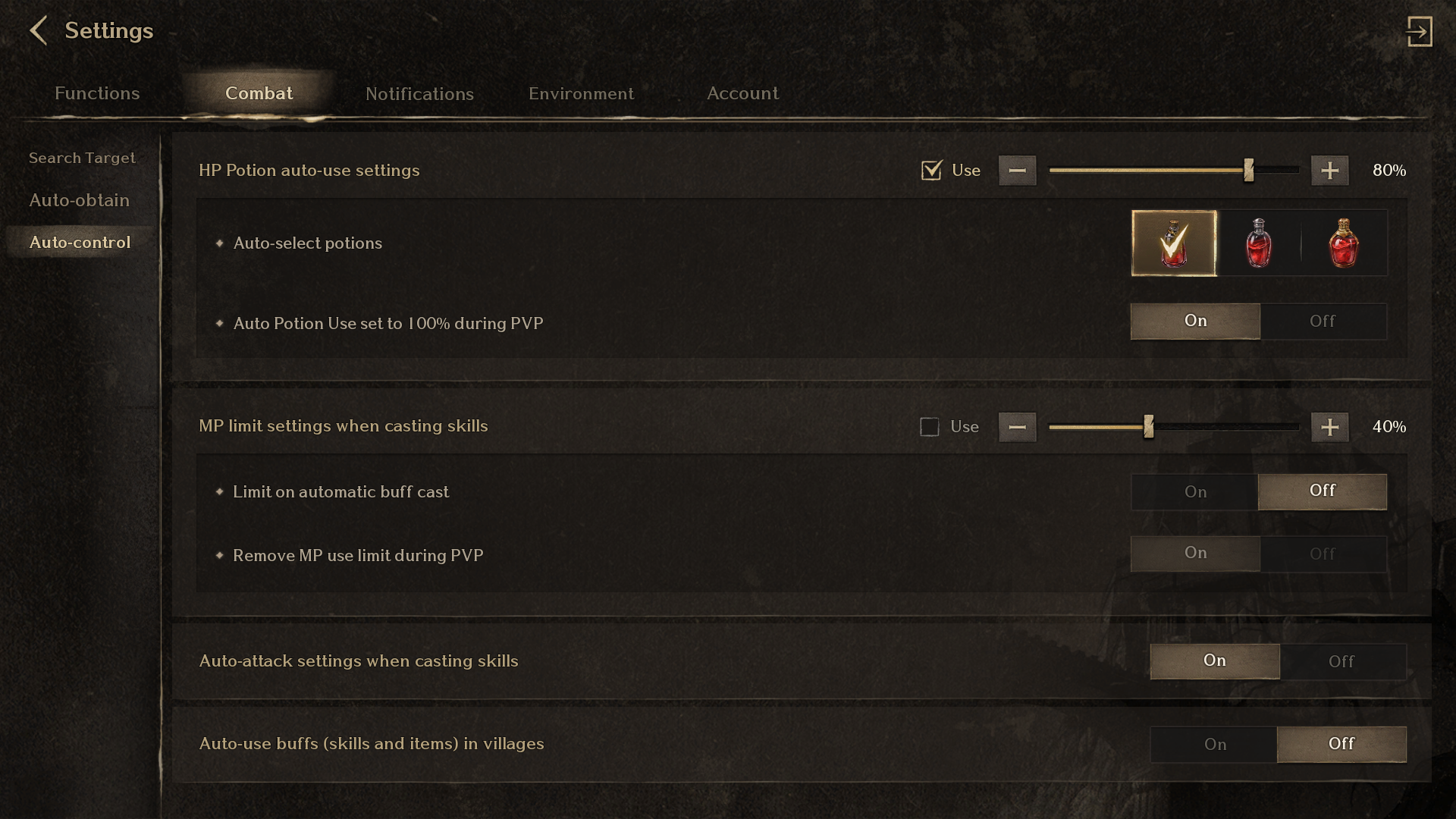
- Customize options in detail for hunting (Search, Obtainment, Controls, etc) through Menu > Settings > Combat.